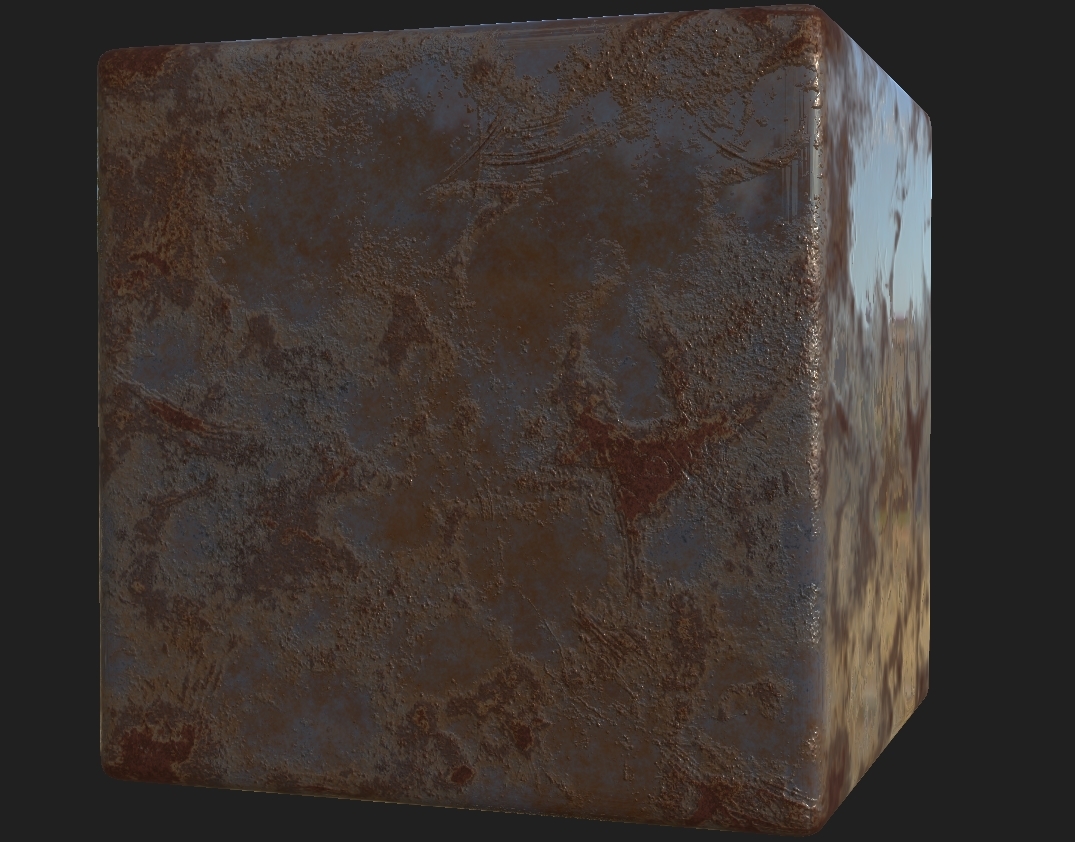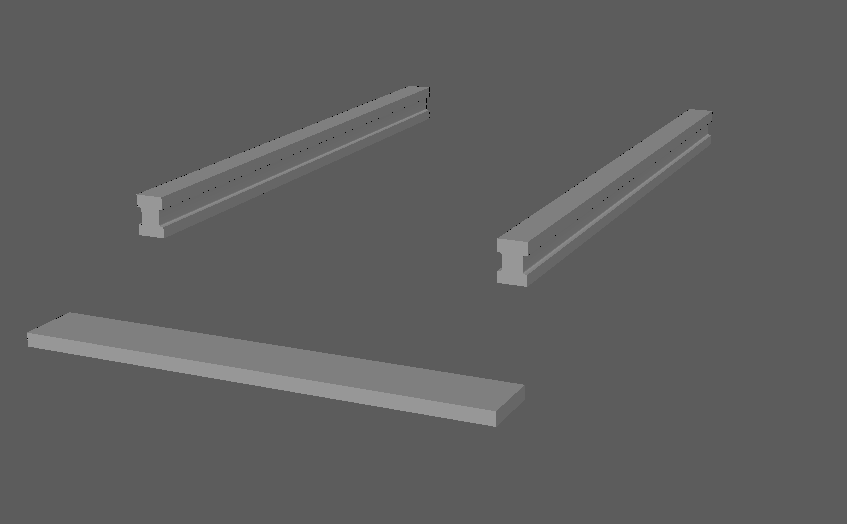

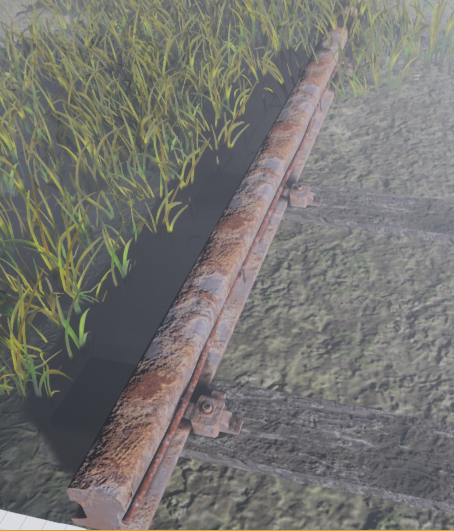
As for the rail being completed, it needed proper UV mapping to allow the texture to form over the whole object as well as the correct repeated pattern to make it look less tiled. The good thing about rust is that it can be tiled but wont ever actually look it unless you really look at the detail. I used the texture sheet method here to create a better workflow and allows for less texture resolution and less performance across the whole project.
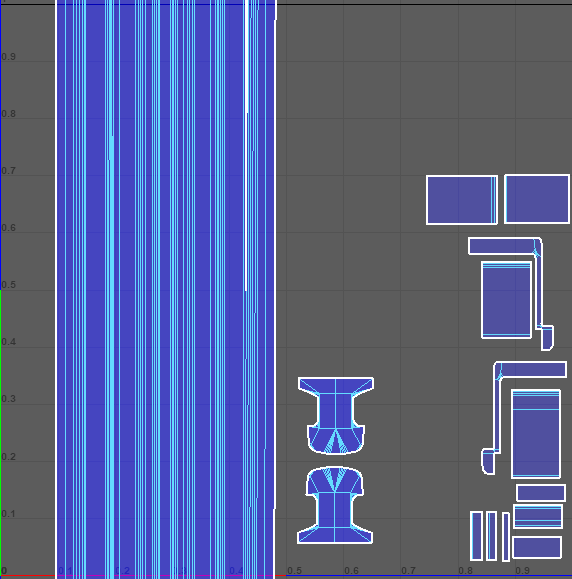
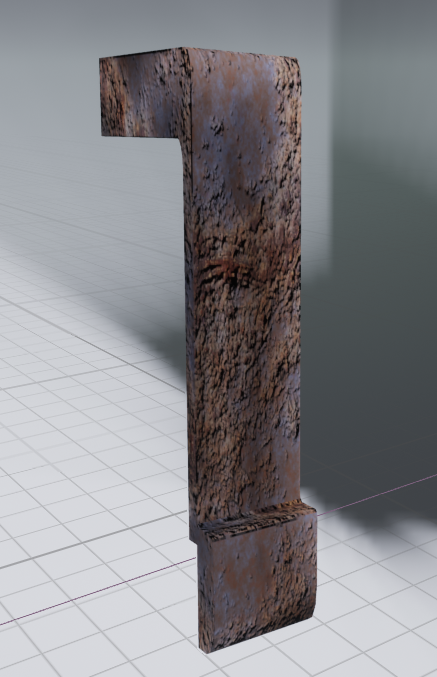
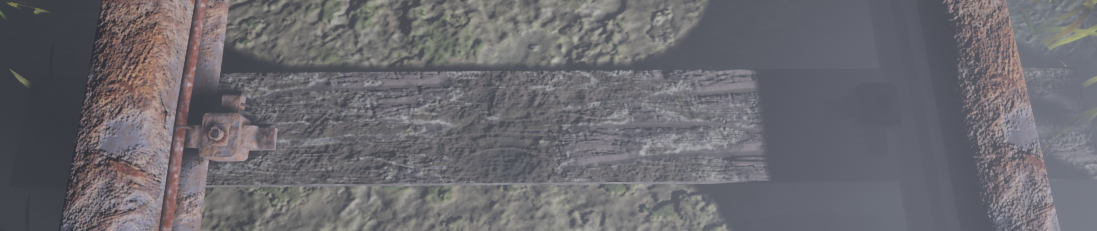
The reason I didn't add on anything else to this sheet was because nothing else needed to use this texture, the texel density for the pin was brought up so that way it matched the rail road allowing the texture to look good on both, although this will cause minor stretching it can be hidden because of the tileable texture. If you were to look at it in engine like the image below (real size of the asset) it has no stretching in terms of horizontally but vertically it has minor stretching but doesn't look bad. If this was a bigger object I would change it immediately but seeing as it's so small there is no need as it's just giving off the impression of itself being there rather than dragging the eye towards it. As for the rail as mentioned before it works perfectly with the material and the overall repetitiveness is left out due to the rust looking different as well as some vegetation will be hiding some of it. That was the rail completed none the less along with the wired pin.
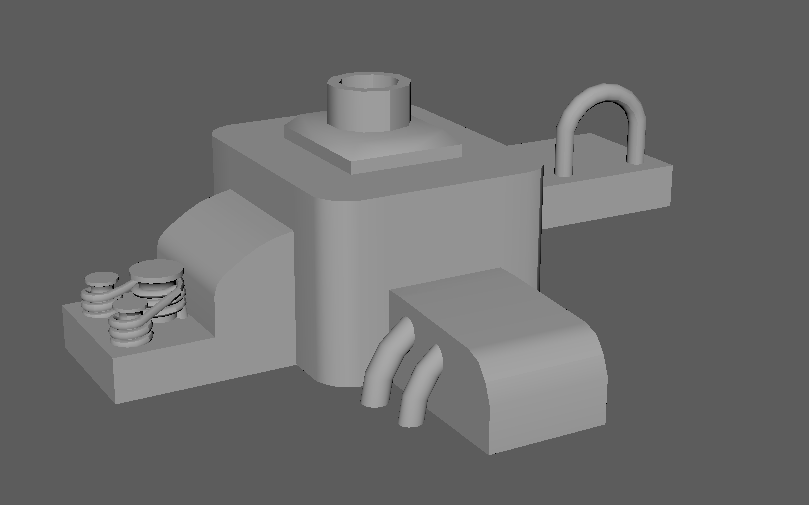
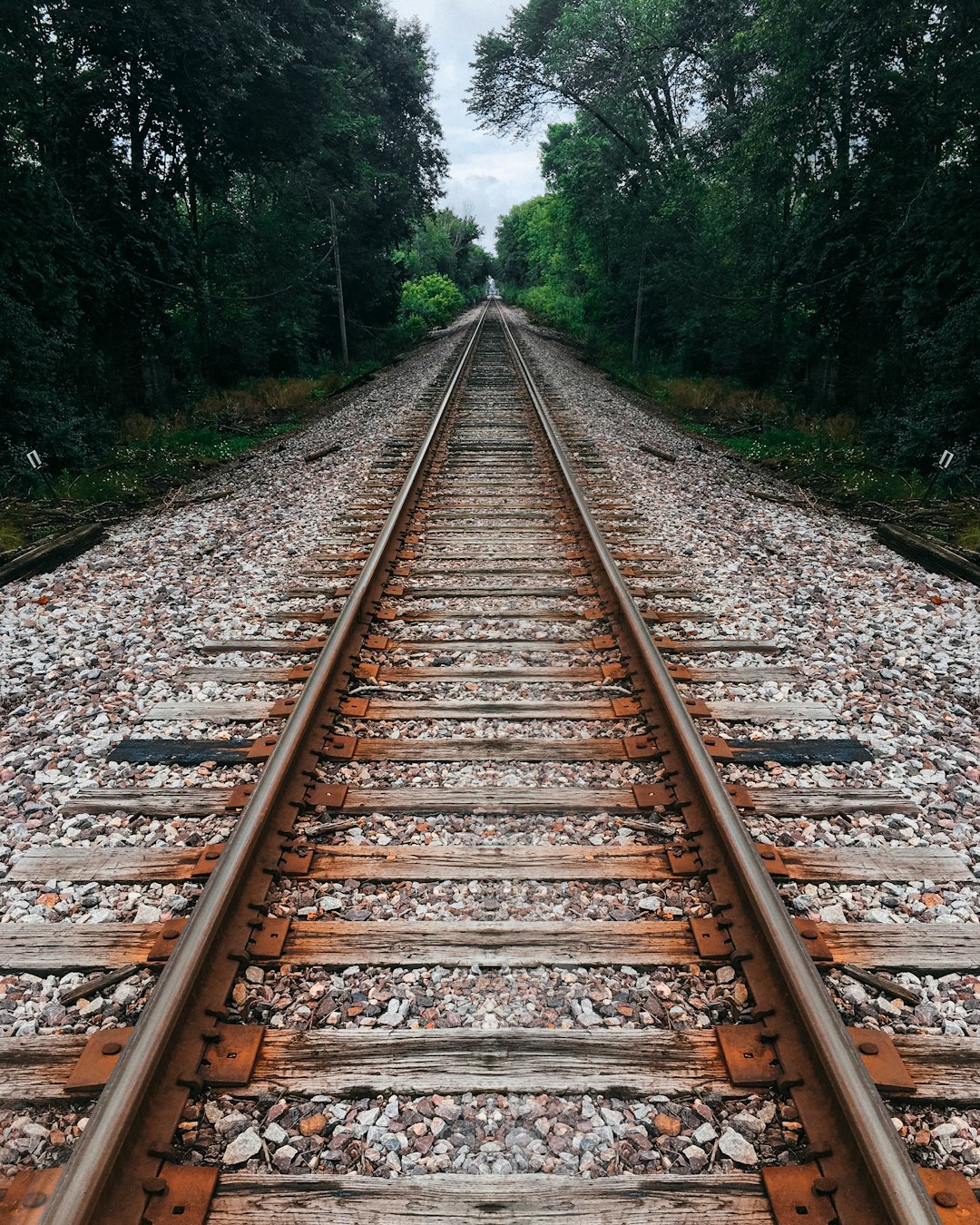
He then told me I needed to add in a 'train stump' or 'holder' which is what holds the track in place onto the wood and earths the track so that way the trains don't cause static electricity on the rails causing build up. He told me that normally there would be a big bolt going straight through the ground and the wood from top to bottom and the something clamping the wood down as well as the rail, this allowing the rail to be earthed. This concept I made up is for a old electrical rail which used wiring to generate electricity for the train. The image shown to the right is my reference image for this as well as overall concept piece I'll be following for my rail. (References at the end of the document).

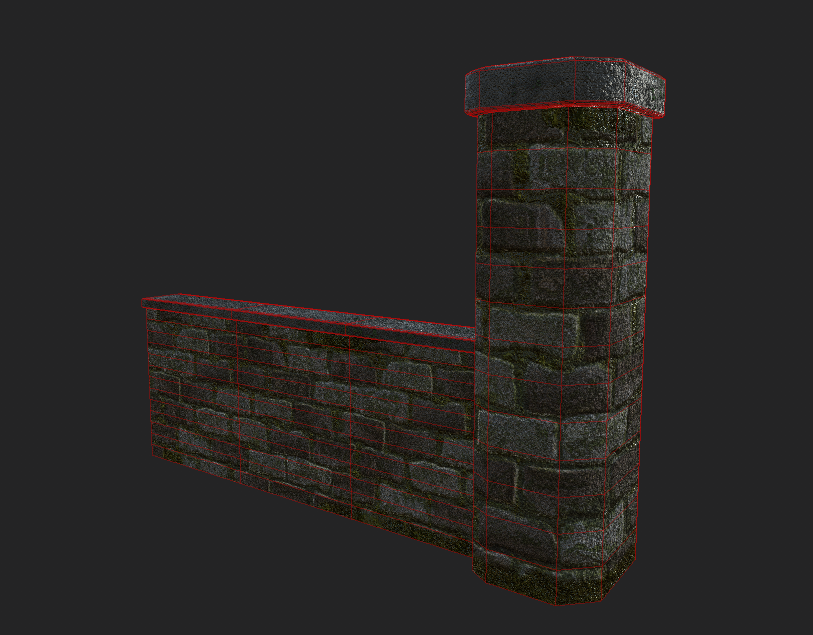
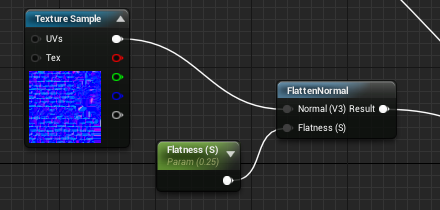
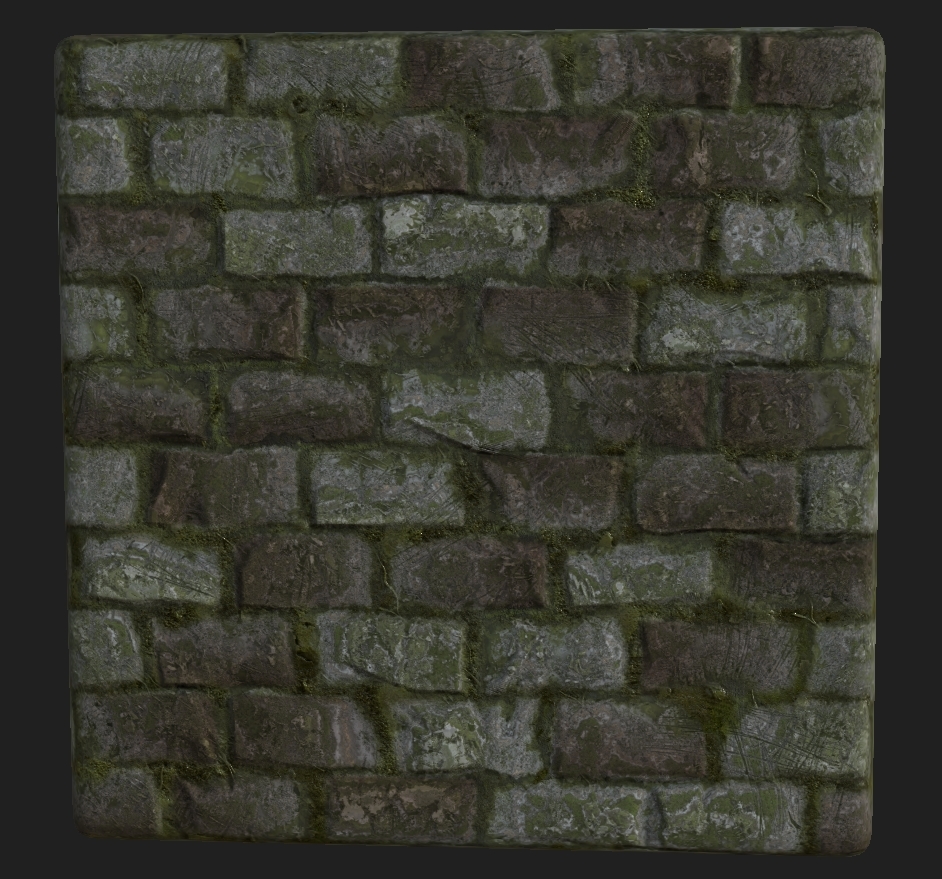
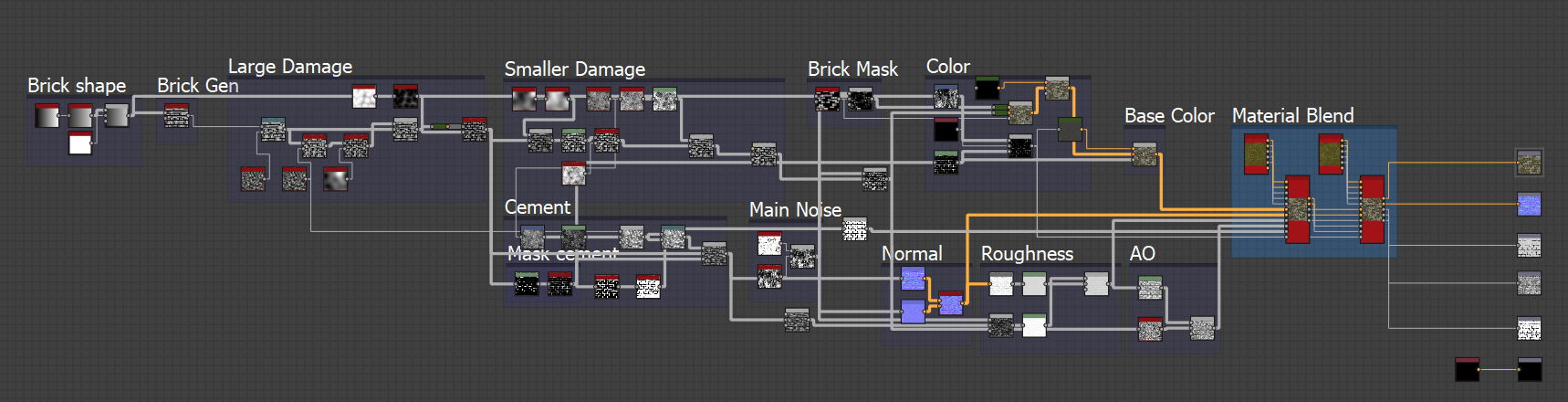
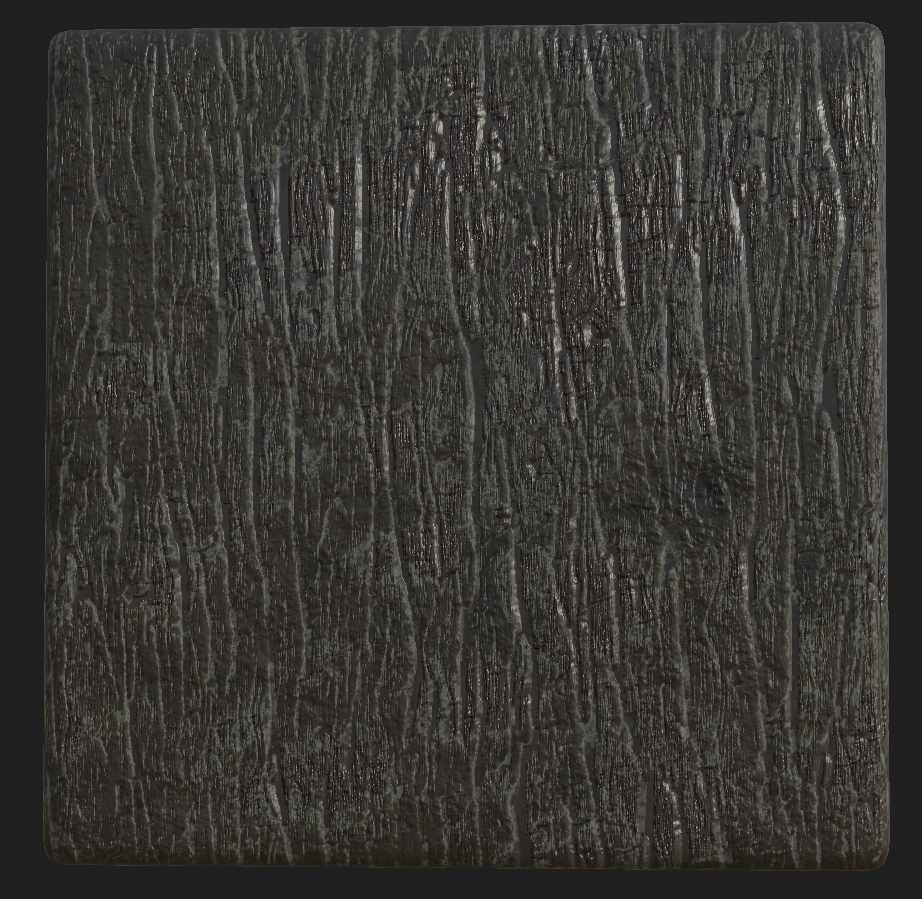
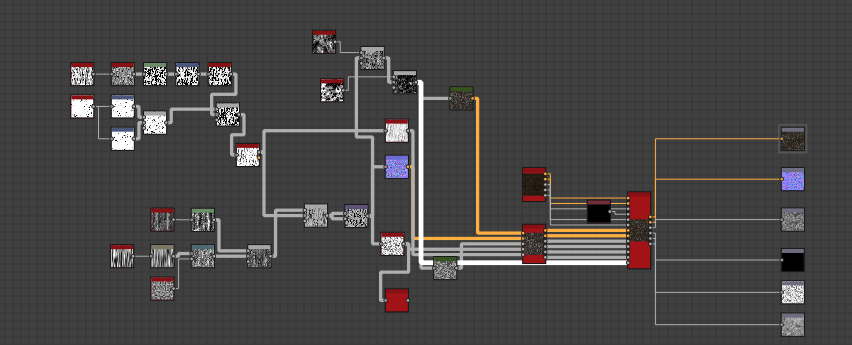
Moving on from this I then went and made my wall, the wall which will be situated on the right side of the render/start screen and taking up around 5% of the screen space. The way I went about making this (because it was such a small part of the scene) was by creating a basic shape and using the texture to fill out the objects small geometry. I made this piece modular as well so that way it uses up less memory as well as it will be a easy tillable. Here is a image of it with a few textures I had made previous for this object. Although the left image shows a lot of geometry it's only 400 tris. The reason for it having so much geometry is so the texture sits well and can if needs be, be vertex painted over at a later date with more moss etc. in engine. Not only this the maps are completely adjustable in engine and if the noise is too much I will be toning down the normal's in UE4 by using the FlattenNormal node along with a Parameter to give judge on how much or how little it should be flattened. Shown below is the image of the graph. This was later changed to be done in the editor but I'd like to showcase that I can do it in engine as well.
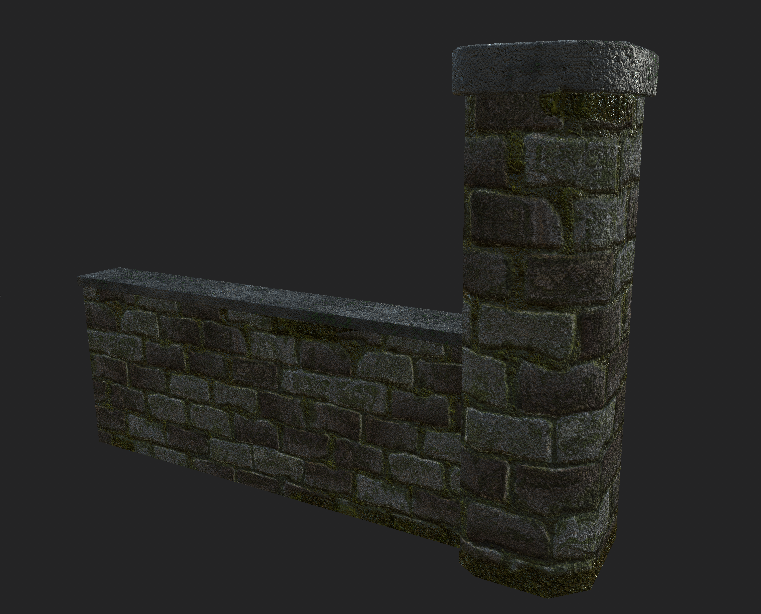
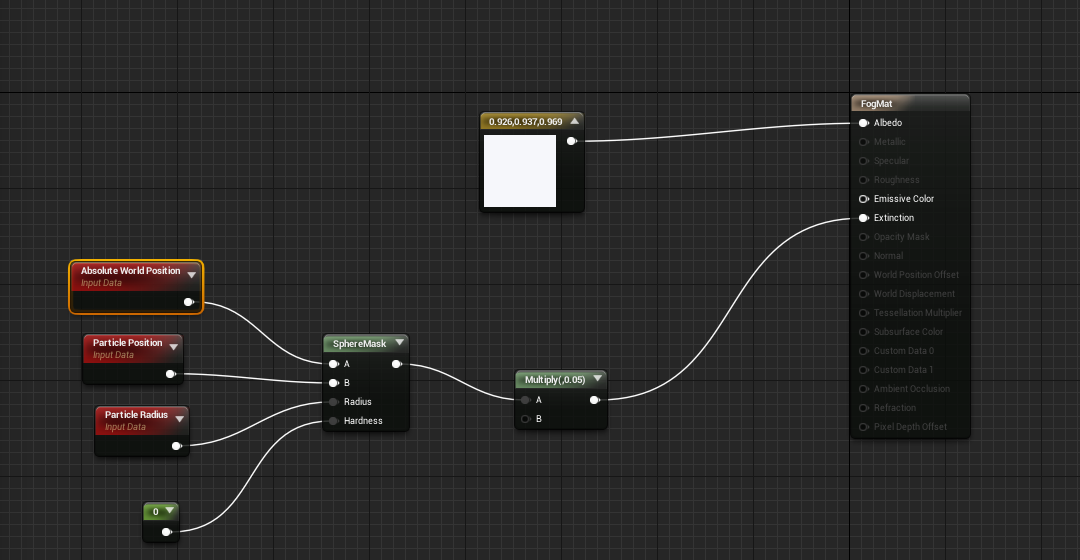
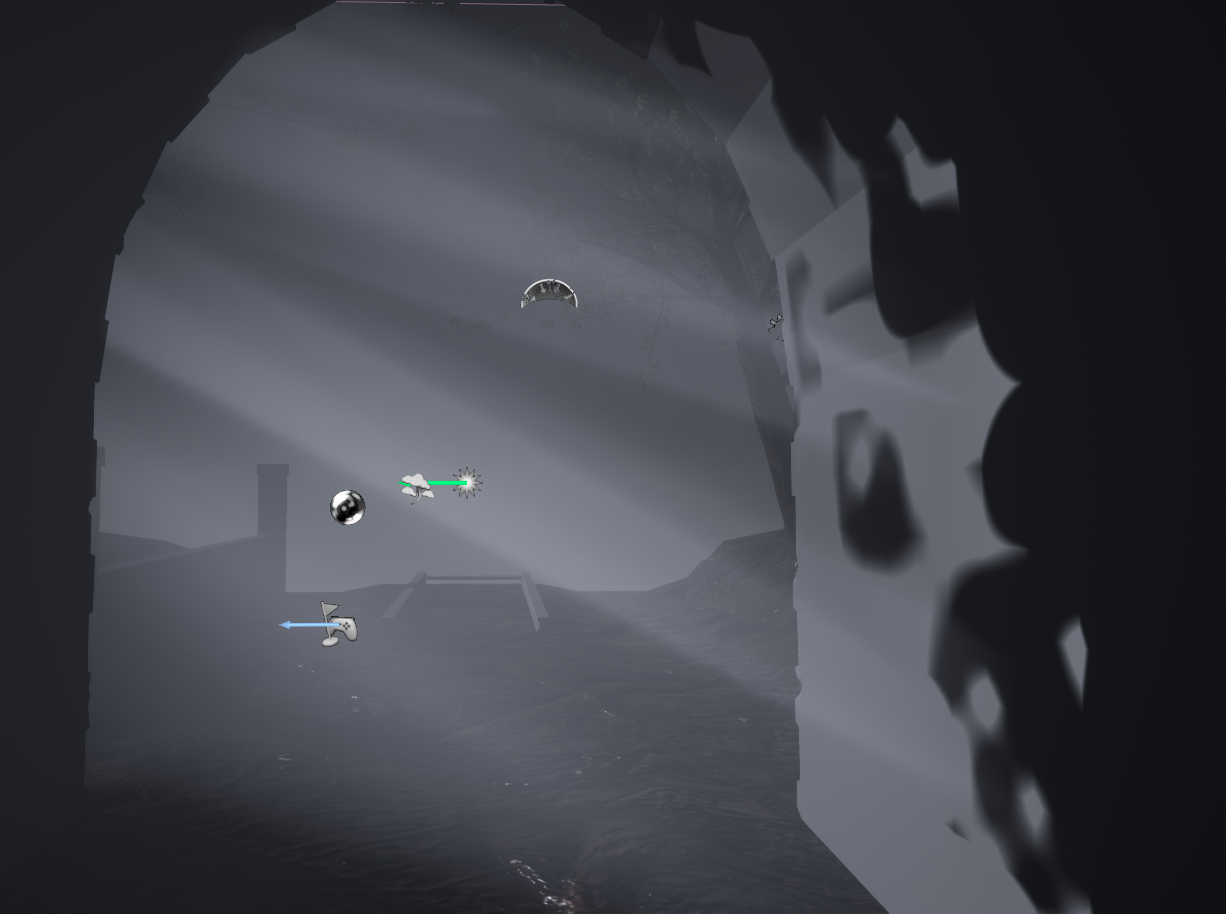
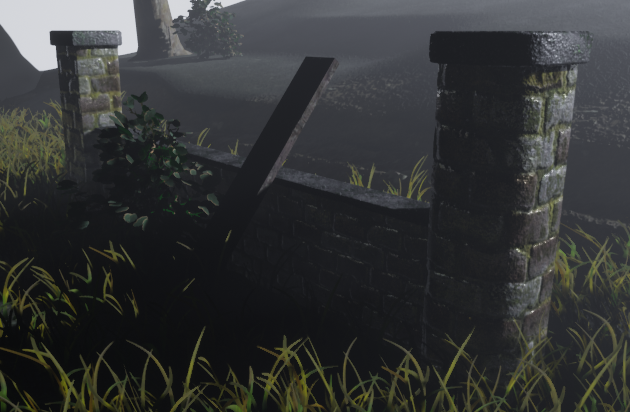
The overall shaping of the wall could be broken down and worn but instead I wanted a dilapidated feel which hopefully is going to be given off in the final project, less broken down more overgrown hence the moss, crack filled moss as well as a overall darker tone on the brick work. Below is a image of the final form of the wall (without the displacement fog).
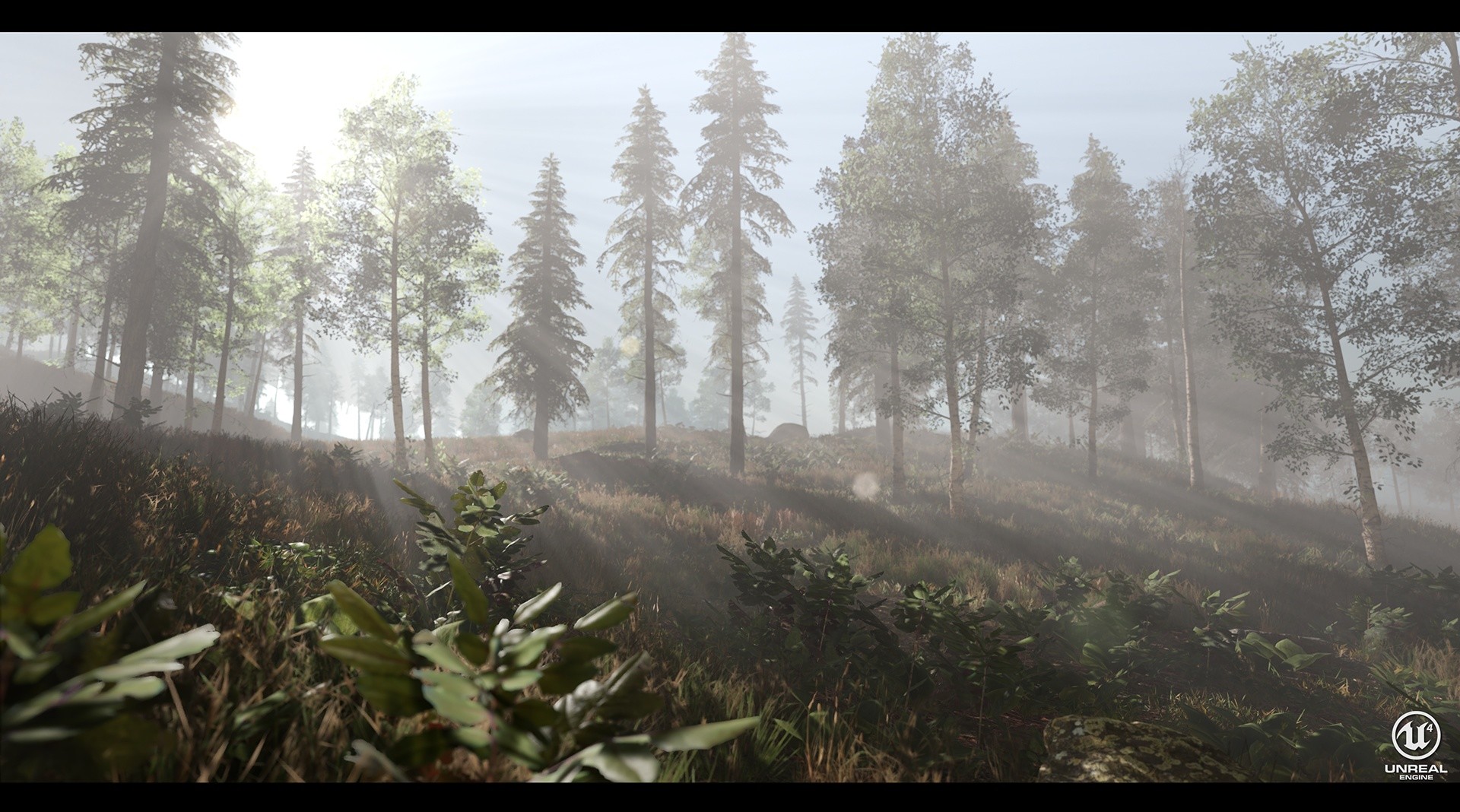
The trees/bushes created in this project are all from speedtree (see learning speedtree for more information) based around the Missouri forest as mentioned before. I have learnt a lot of different things about the program including wind, base structure of trees, leafs and alphas & many more things. The good thing that came about from learning this program is that it has allowed me to extend my knowledge on organic modelling as well as having a understanding of trees and how they work in the Unreal Engine. Aside from the Oak tree made in the first blog post I also made a GreenAsh tree and a Bush to add into the scene to fill it up a bit more. Although these are minuscule pieces they have taught me the program in more depth that the Oak tree did.
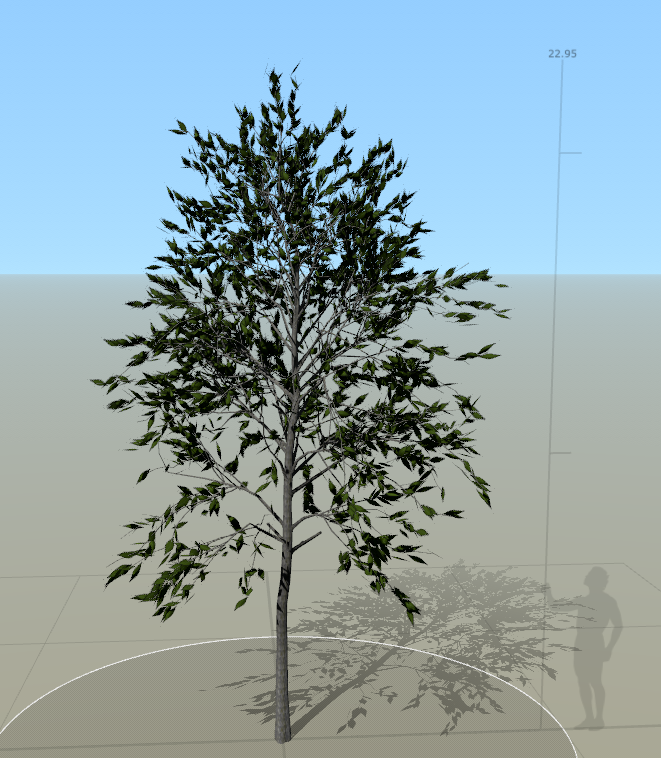
The Green Ash tree tends to grow to 80 feet in height (23.9m), meaning that I would have to make it around 23m in height for it to be realistic. The tree itself used the leaf I made in the generator as well as the bark texture re-colored to make it fit. Now you may think that using the speed tree wind generator in engine would be a good idea, nope. The wind generator only works if set above 1 meaning strong winds if you were to put it into the Unreal Engine.
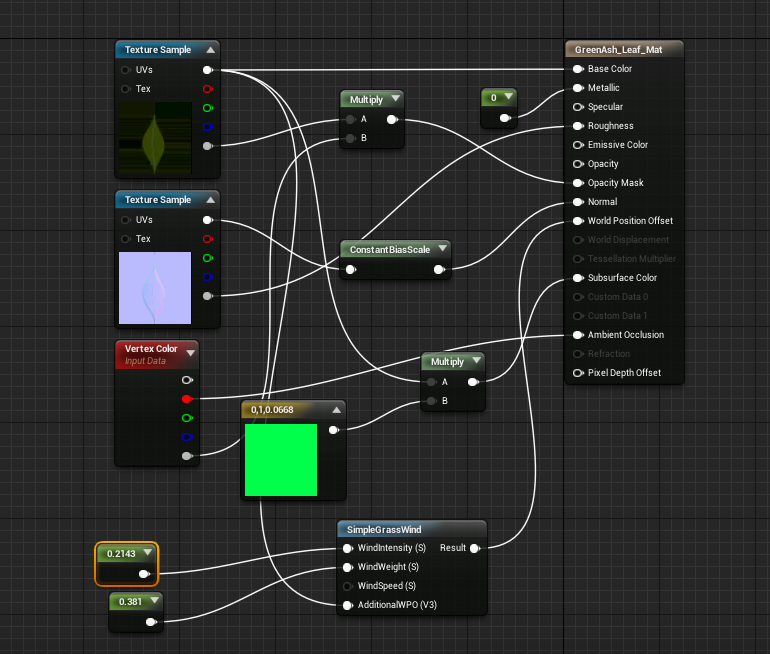
Instead what I did was create the wind in the Unreal Engine, I used the Wind Directional Source and changed the strength and speed to 0.2 and then had no gust. I then went and added in the wind to the Leaf materials (when added them to the trunk it looks unrealistic) and used constants to create a idea of what sort of intensity I wanted them at. Not only this, the subsurface scatter map doesn't port over from Speed Tree as well as I wanted it to into UE4 so I have to make my own in UE4 as well. The way to do that is very simple, change the shading model of the material to Two Sided Foliage then add in a base color into a multiplier with the base color of the leaf and plug that into the subsurface color. The graph shown below is the overall finished product of the leaf with wind & subsurface scattering included. Although these things are minimalist it adds to the overall realistic feel of the trees themselves. (Tri-Count of this is 15k)
The same process was done with the bush although more basic. After understanding how the wind, subsurface scattering and overall scaling of foliage works the bush was just finding a reference (American Holly found on the western side of the Missouri forestry) create a small trunk, smaller branches and adding in spiky leafs. The rest I can just copy over from the tree because the wind power would be the same (although it was slightly adjusted as wind travels at different speeds dependent on how high up it is) as well as the subsurface scattering. The only thing this tree has different is that instead of the smaller branches being 3D I made them into alphas to make them look more realistic (Turned the branches in Speedtree from 3D to 2D and added my own texture). Other than this the only other thing to mention is the vertex painting but that will be in a separate post.
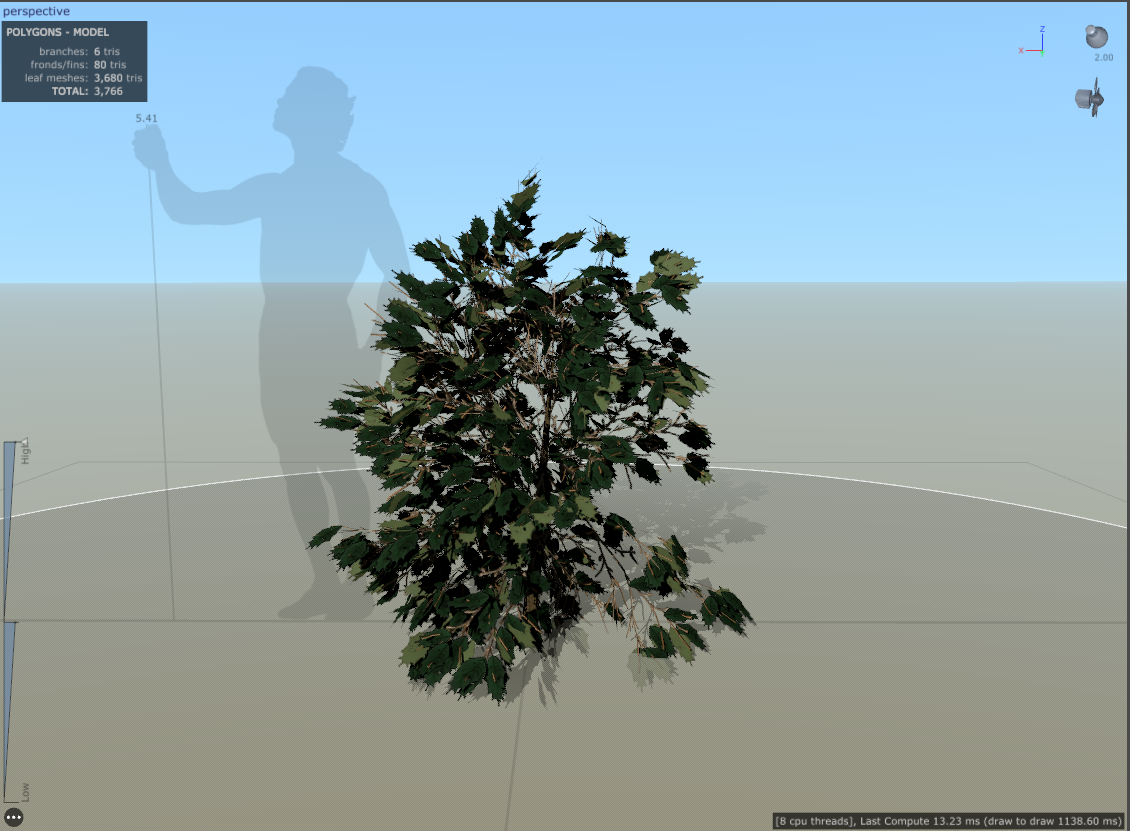
All the references from trees are from the Missouri department of conservation website which can be found in the references as this is where I have taken many different images from as reference. This website is the life and soul of my project right now seeing as it's the only website that gives out all the factual evidence I need. The next hurdle I have to come across is vertex painting the landscape, this will be done in the coming week/weeks and I will mention about the textures made in that post.
References:
Johannes Plenio, (2016), shallow-focus-photo-of-train-rail [ONLINE]. Available at: https://www.pexels.com/photo/shallow-focus-photo-of-train-rail-1165994/?fbclid=IwAR3i-J2xaMnVe6jiZ5aI2MthaNF8D_mUbYhzyPscIkMMQp20zPV5VpCDb98 [Accessed 17 October 2018].
2018. MDC Discover Nature. [Online]. [25 October 2018]. Available from: https://nature.mdc.mo.gov/

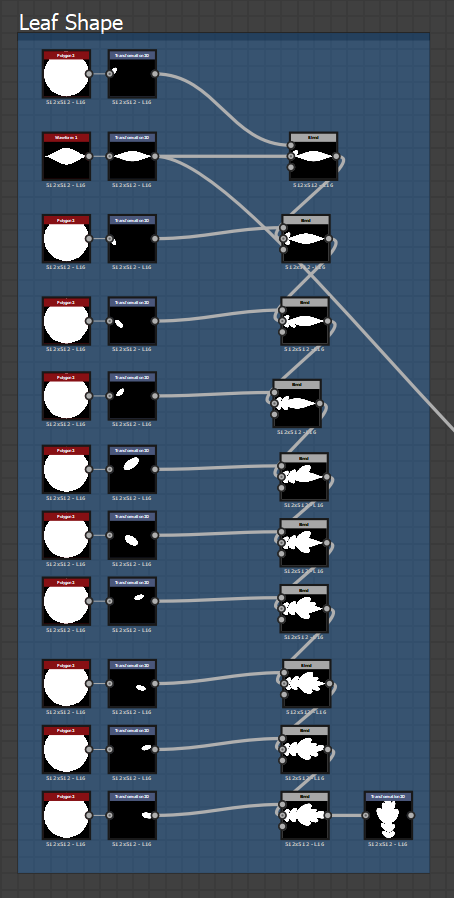
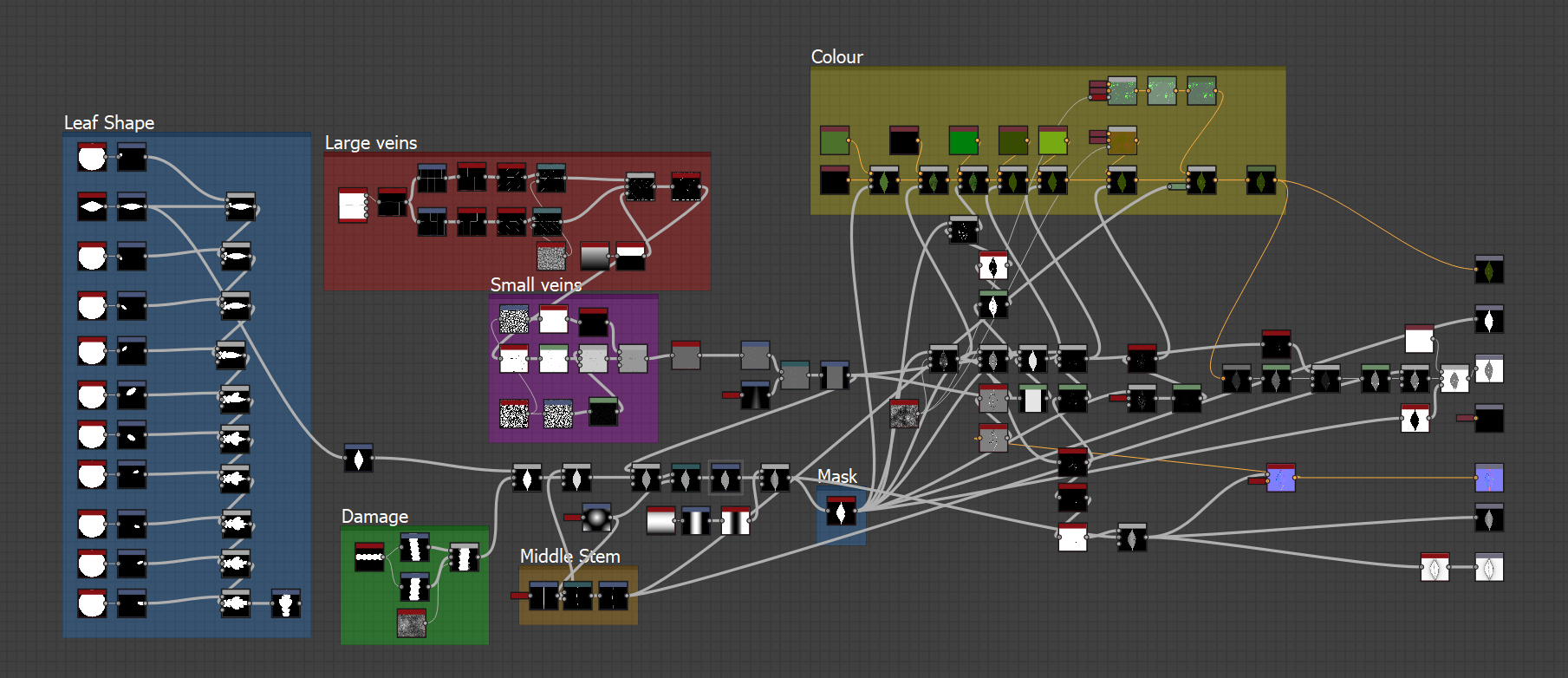
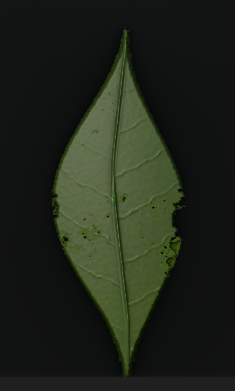 First Graph - Leaf Generator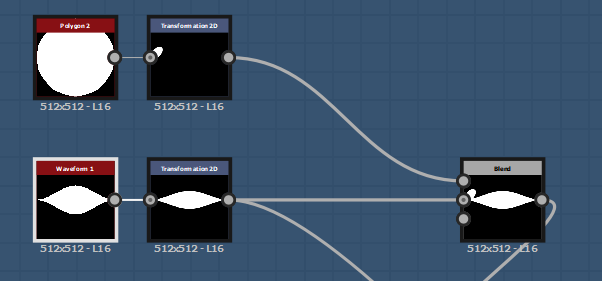

 (
(
 (
(