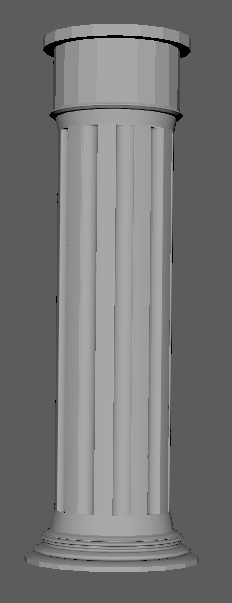
Starting off I modeled a base shape for the pillar, the research behind this pillar is primarily Greek as you can see from the base shape and how the pillar is formed. I knew that creating a full pillar will be too expensive as well as around this date there aren't many pillars for sale that are from Greece itself therefore having a broken piece of a pillar showing its age and authenticity will be key to sell the asset. Below is the base shape.
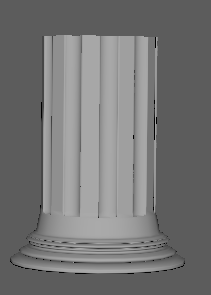
Again the shape itself is too big, a good and efficient way of making this easier to model and give a story line is to cut it in half and give off a realistic marble feel. Not only this it's a good way of using retapology to its full potential, if I set this up correctly in ZBrush I can make a mid poly and low poly version afterwards being able to show that I can make a game ready asset but have a mid poly to use for the portfolio to make the asset look more crisp and clean.
After this I just added in a bunch of geometry onto the object to allow for a more crisp smoothing in ZBrush meaning that the object wont lose any form when I add more geometry that is smoothed off in ZBrush. The good thing about this is that I can then create the form I want and give off the illusion even further in terms of a Greek pillar.
After putting it into ZBrush I then just began destroying the top making it more ripped and blown up, adding in large amounts of damage into the top showing that it was destroyed and then from there adding in a few hits to show that the small bomb that hit the house threw rubble in its direction causing some more damage.


After completing this I then had to bring back the geometry in ZBrush, I was adding in the damage to a 1m point mesh and decided to bring it back to around 300,000 points so that the shape stays and that when I bake it the damage will be baked in perfectly if the retapology is done correctly.
I said previous that I want to make a mid poly and a low poly to show one that I can make game ready assets and two that I can also make a nice portfolio piece that has a good amount of detail. Not only this the pillar is going to be a hero asset meaning that it will be a 'center' piece on the scene and also allowing for it to have more geometry than most of the other assets. The good thing about this is that it lets me bring the levels of geometry up a bit, below the first image is the mid-poly which has around 29k poly count and has major detail including the circulation of the base and a lot for the damage. The second image is the game ready hero asset which is around 14k poly count which is still a bit much in terms of an asset but with technology growing stronger and stronger this shouldn't be a issue if I was to add it into a game environment.
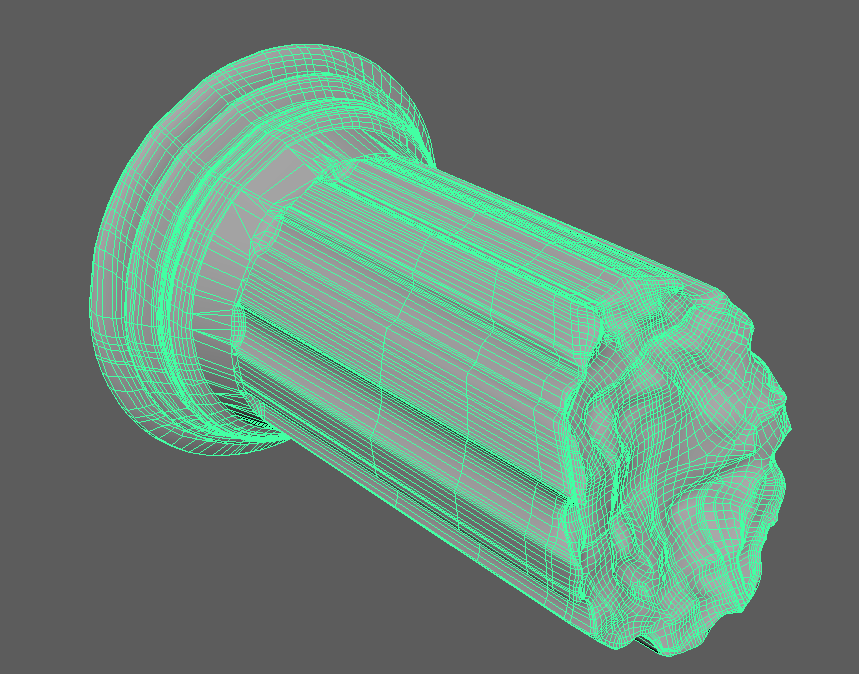
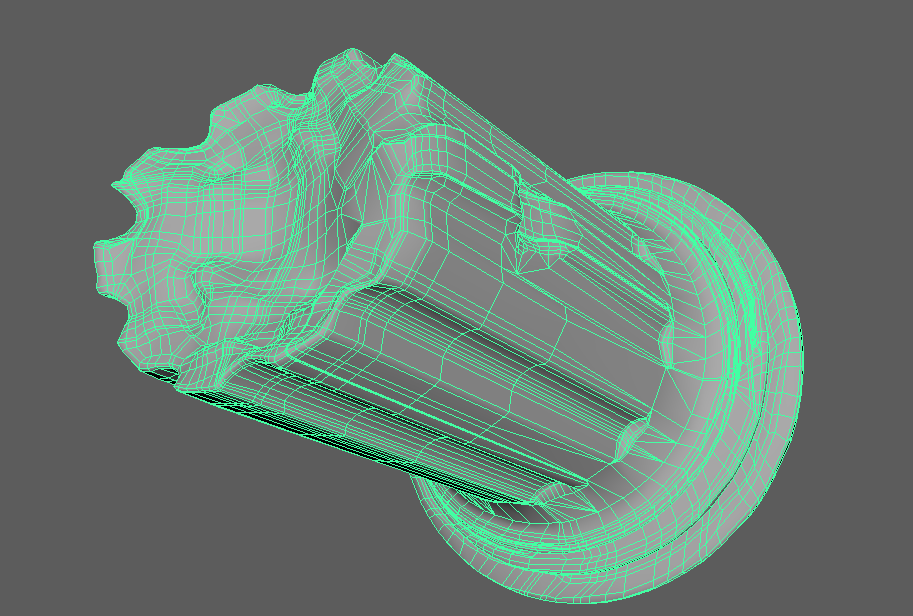
In terms of the overall shape of the asset, the game ready asset would also give off the illusion but seeing as there will be some close up renders of the pillar as it's a hero part of the scene I'm going to stick with using the mid-poly for now. So far this workflow is how most people in the industry work depending on how they learnt to model, this will give off the best result in terms of game ready asset so creating in house assets can be costly in terms of time. I'm sure there are other ways of making these sorts of assets but this is the way you will get one of the best results hence why I'm doing it this way.
I then went and created the UV set that I wished to use for this object, setting my Texel Density to 8.32 for the whole project due to the size of the whole project in terms of scale. I will tune my walls, ceiling and doors to this and if needed I will be putting them on a 4k map and then scale it down with the texture so that I can get non-reoccurring textures on my models. Filling up as much space as possible with this texel density will be hard for some objects so I will attempt to put the rubble and other smaller objects onto one texture sheet.
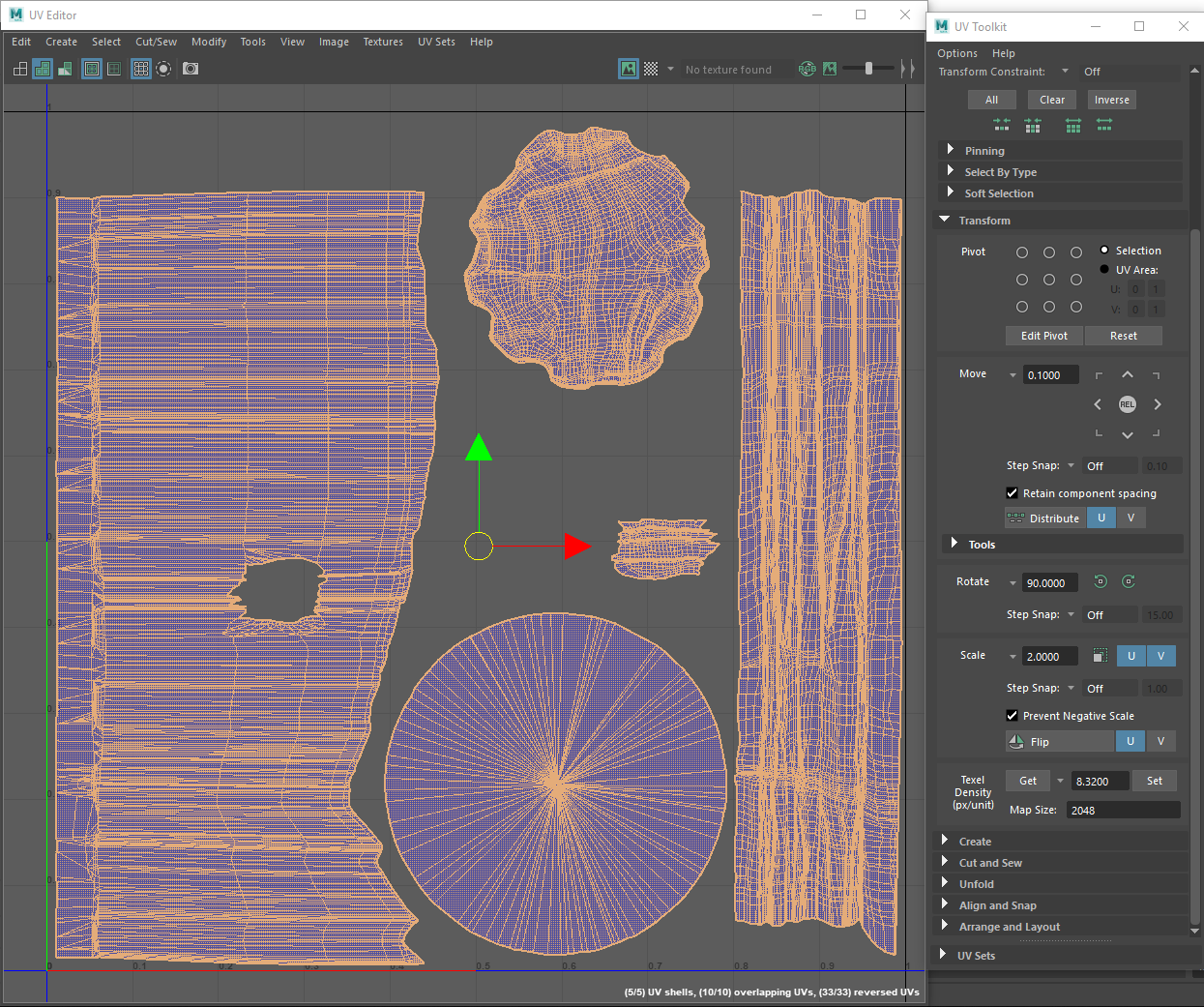
The standard way of getting the process done is by baking the information from the high-poly into the low-poly and using a cage, I will only be doing this for a few assets as I'll try and emulate the same results but by other means. This can be done either through no cage baking or using UE4 methods to add in normal bakes and AO bakes. Other means of doing this is to bake the information in designer which is something recommended to me by Luan whilst he visited our University.
Other than explaining my process here, I learnt a good amount doing this. Ways of finding new methods of retapology. Although no where near the good results of hand quad draw, you can do these as a fast and quick replacement but don't expect the same level of result. You can use ZRemesher, Decimation master both in ZBrush or using the Reduce tool in Maya. Below are the results I've best seen done with these methods.
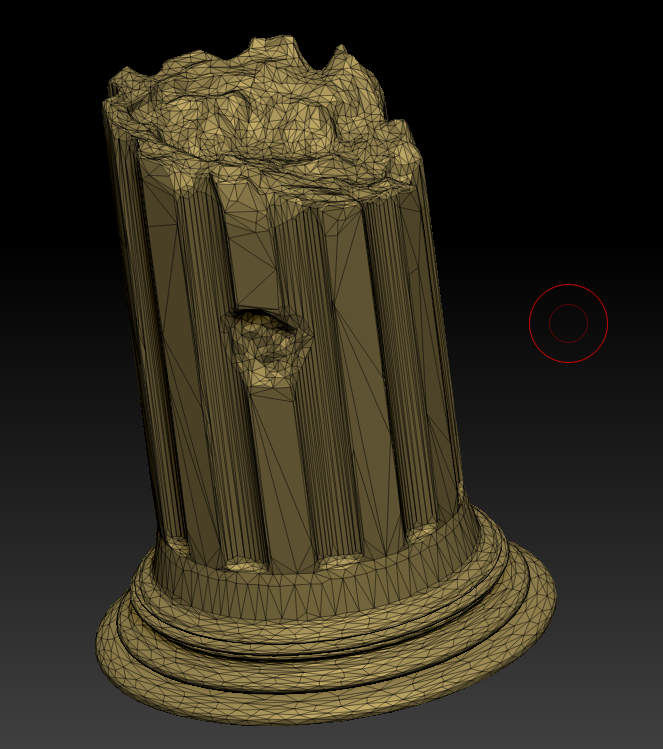 Decimation master
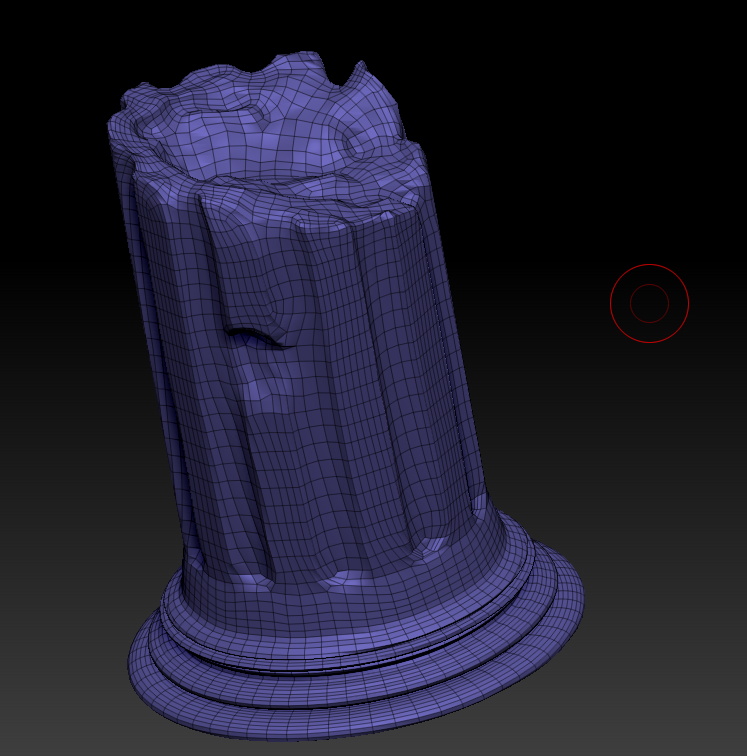 ZRemesher
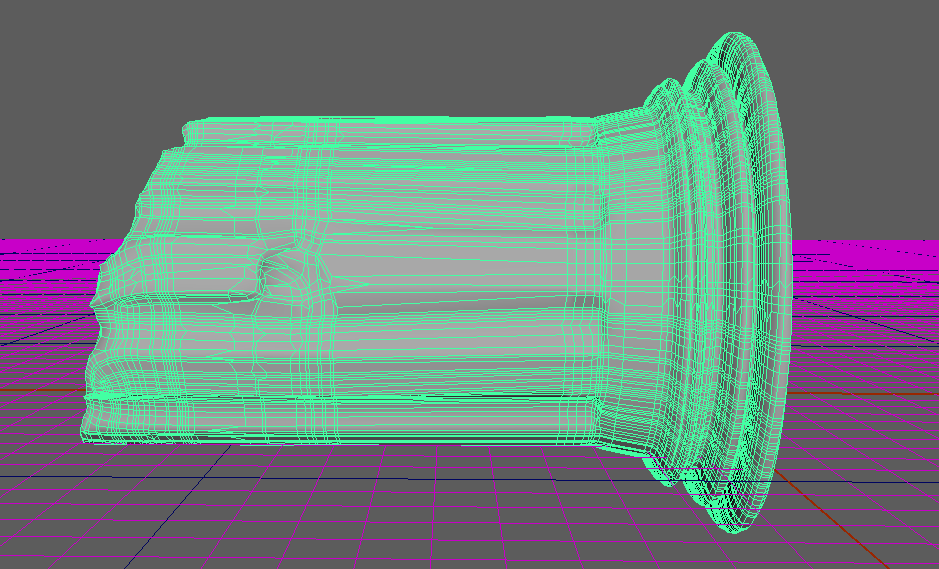 Reduction tool Maya
Attempting some level of modularity, I will first need to start off with a base asset. One for the walls that will be a texture which represents that it's a wall and that wont catch the peoples eyes as much as the scene itself. I will first start off with a base wall which was found in a Syrian house, window and a different variation of window to allow myself to choose between the two to get the correct feel for the house. Image and references below.


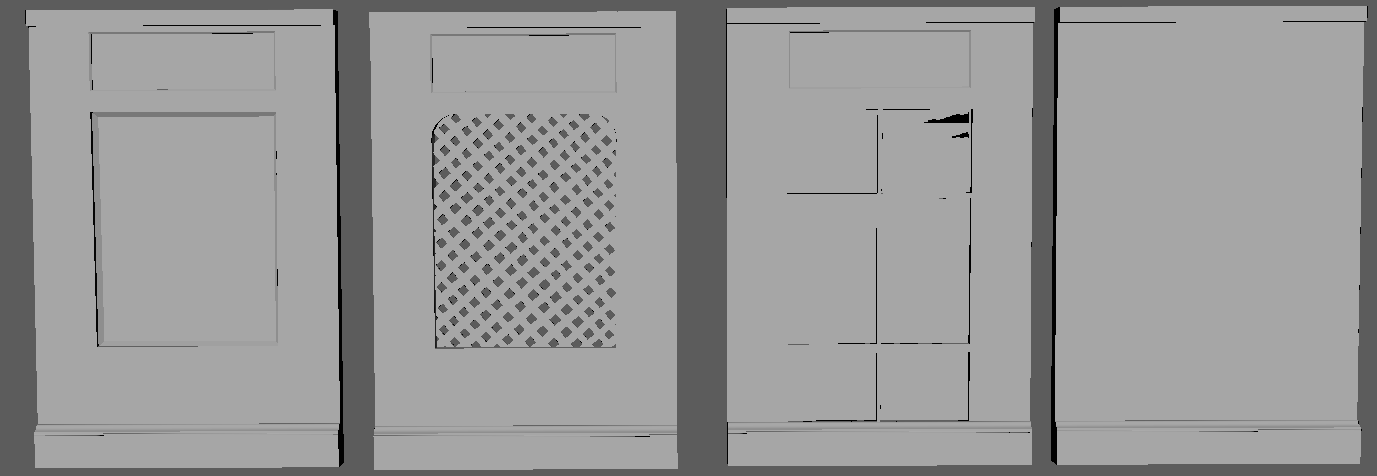
These images allow for me to get a proper representation of what the walls and coloring should be for the walls, a light plaster and wood. Although these wont be the exact ones used for the walls but more for the shape and style of the windows/wall I will attempt to find something more interesting to put on the walls especially as it's meant to have been bombed. The good thing about modular walls is that you can use overlapping UVs to create a spacious texture layout and have more detail whilst using things like trim sheets and decals to add on extra detail to hide the fact it's modular. I will be attempting this during this project as it will be a necessity for my scene.
The problem with my level of modulation is getting the walls correct and the textures to fit perfectly alongside each other, because of the brickwork pattern I want this is going to be hard to get it working the way I want and this could be the main issue in my project. I will have to attempt to ask people about this and how I can go about it.
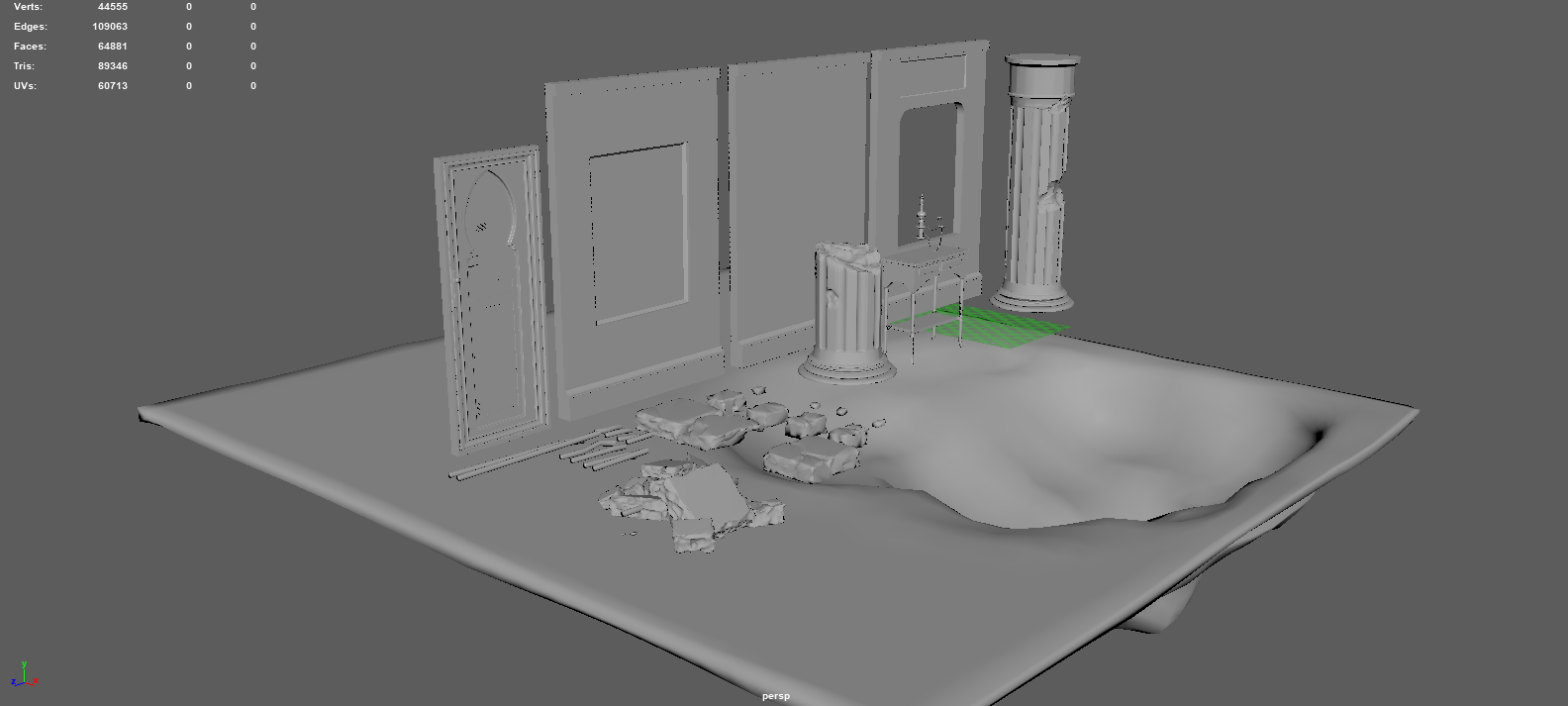
I decided to model most of the assets I wanted in Maya and ZBrush. Here below are some of the basic objects I decided to make, this is one of my main Maya projects which has furthered my knowledge in modulation and how it works. The only asset shown in this scene that isn't used is the rubble pile, other than this everything else here is used in the scene more than once (aside the floor). I've been told by most environment artists that no asset gets used once unless it's a floor and even then it can be used elsewhere.
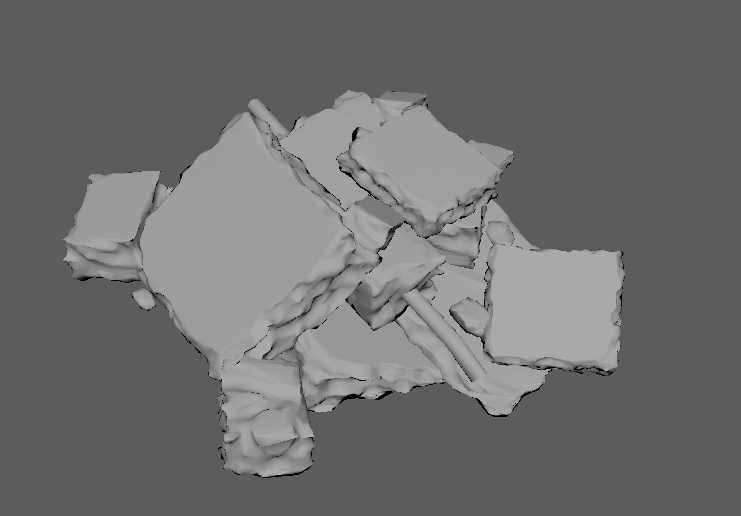
Here is the rubble pile which wasn't used in the scene, the only reason it didn't make it to the scene is because I couldn't get it to work properly. The idea behind the creation was to mesh all of my previously made assets together, project them down in ZBrush and from there having a nicely molded realistic looking rubble pile. The concept I was following was done by Ilya Nedyal using the IMM tools in ZBrush. I found his tutorial on the 80 Level forums, the idea is great and the results work perfectly but due to time restrictions I couldn't learn it all in the space that I had.
References:
https://www.booking.com/hotel/ps/old-syrian-palestinian-style-home.en-gb.html
http://muslimheritage.com/article/courtyard-houses-syria
